
Troubleshooting: Notes not auto-importing to EzyVet
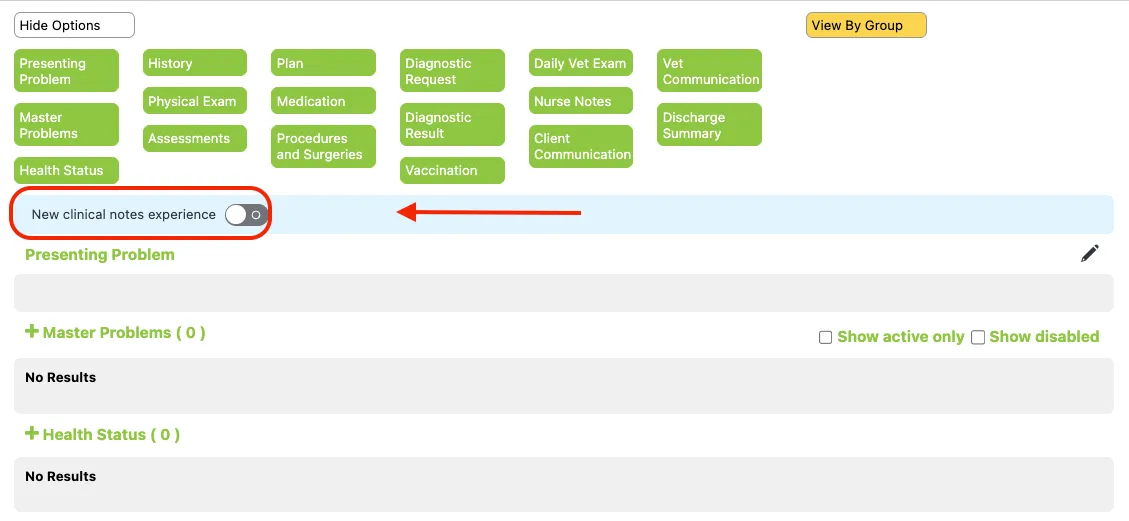
1. Check that the “New clinical notes experience” is switched OFF
Section titled “1. Check that the “New clinical notes experience” is switched OFF”We are working on compatibility with this, but it is not yet available.
2. Confirm the note contains the keywords
Section titled “2. Confirm the note contains the keywords”- VetNotes will look for HISTORY, EXAM, ASSESSMENT, PLAN in the clinical note, and use these to break it up.
- If you are using a custom template, ensure these headings are present.