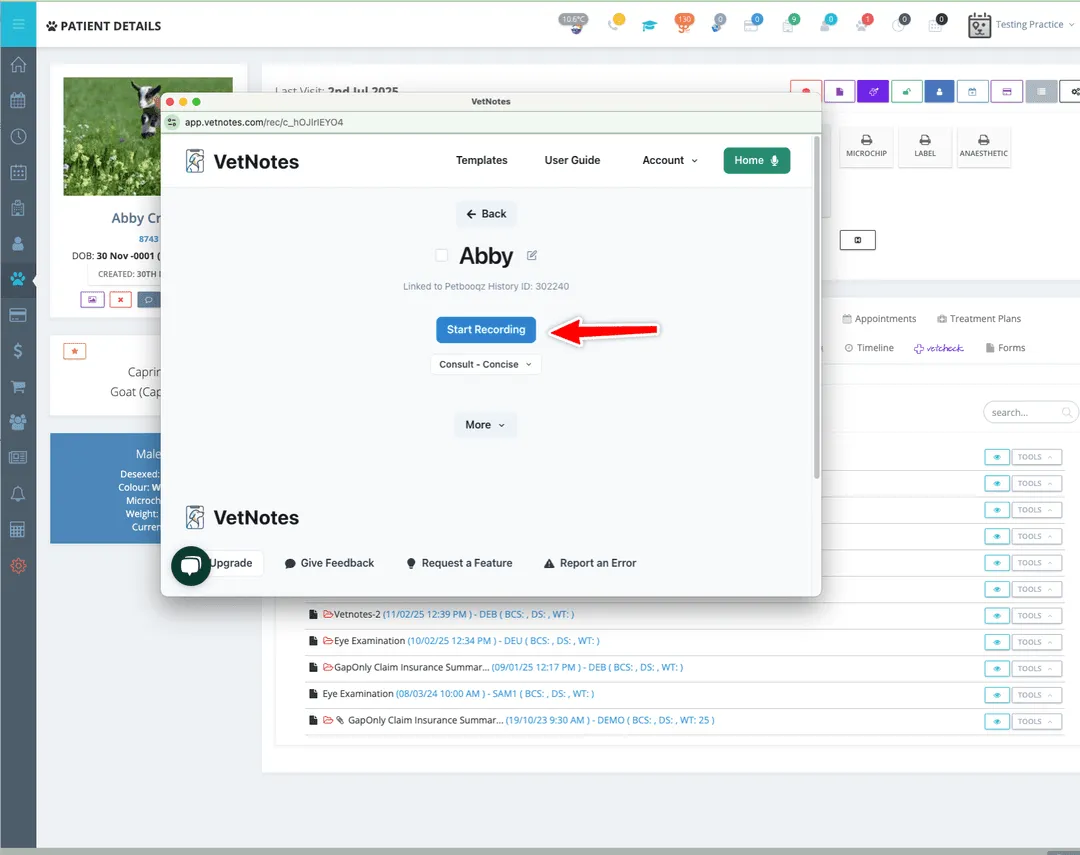
How to use the VetNotes PetBooqz integration
1. Create a new PetBooqz history for your patient.
Section titled “1. Create a new PetBooqz history for your patient.”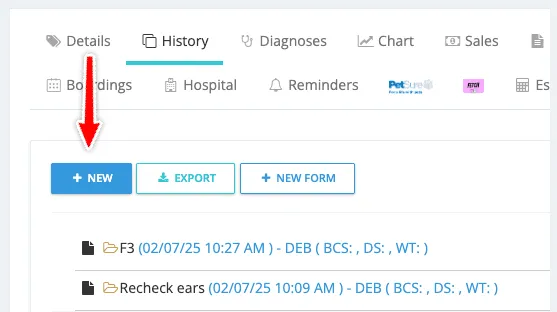
2. Click “Open in VetNotes”. This will open a new VetNotes recording.
Section titled “2. Click “Open in VetNotes”. This will open a new VetNotes recording.”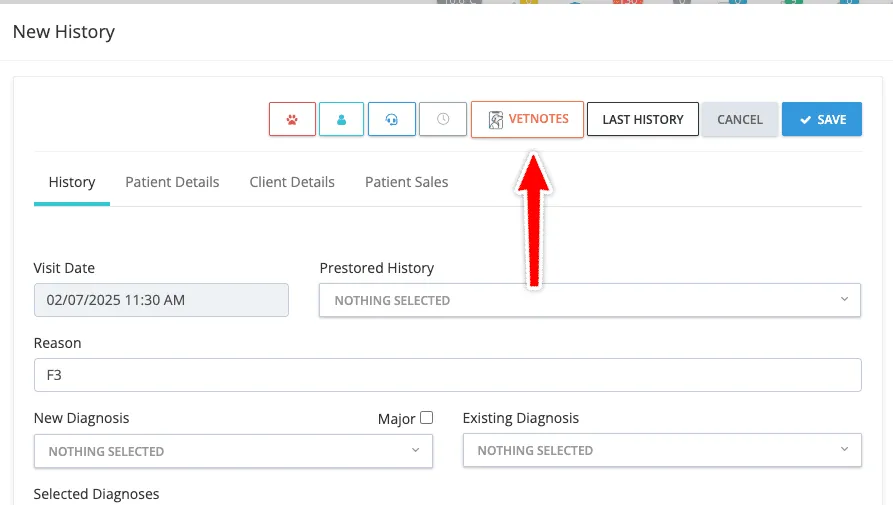
3. Record your consult or dictation.
Section titled “3. Record your consult or dictation.”