
Ask Clinical AI about your cases
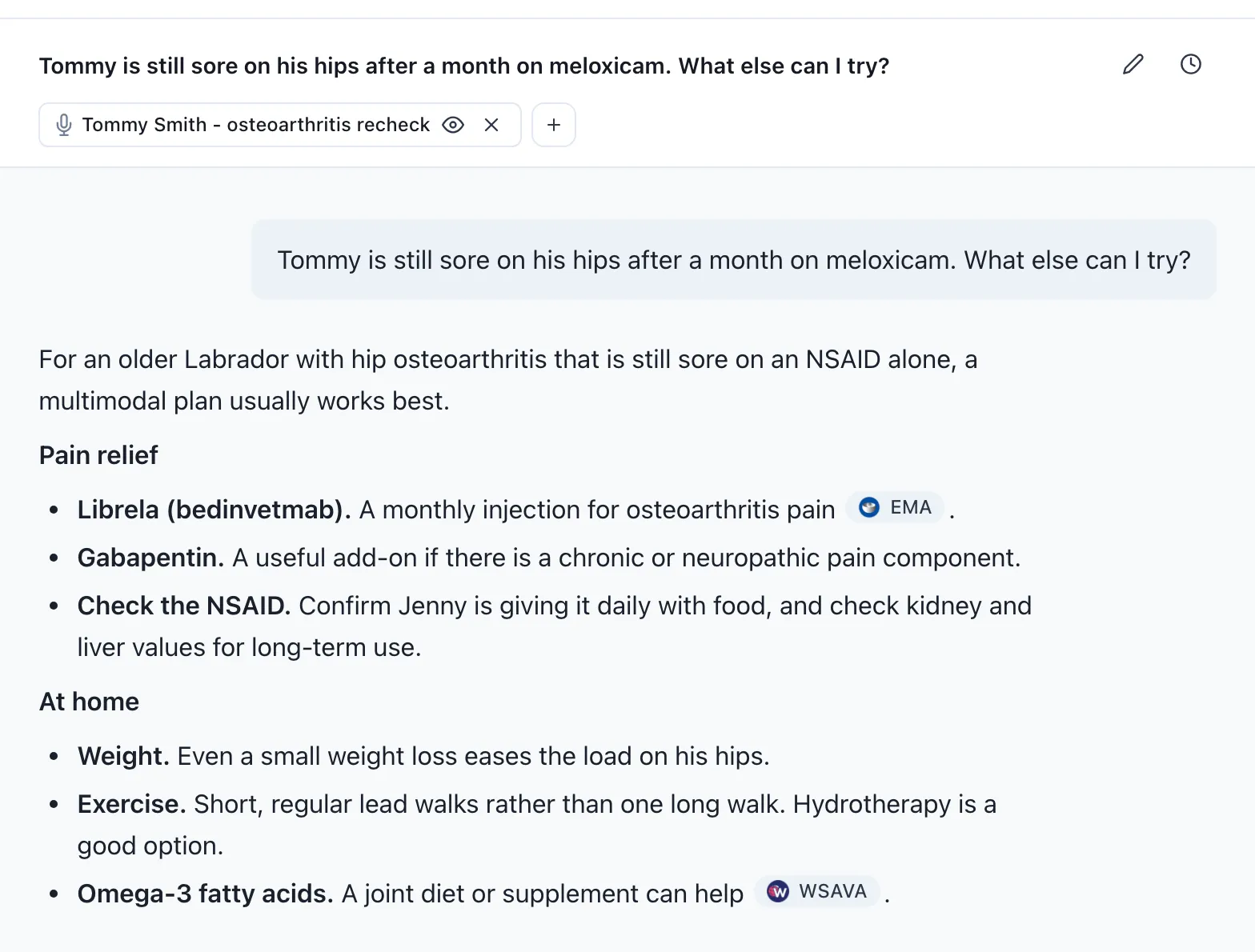
You can now ask Clinical AI about your cases directly from VetNotes. It’s a chat assistant that can read your recordings and notes, so its answers are about your patient, not a textbook case.
Benefits
Section titled “Benefits”- Save time on writing. Get discharge instructions, handouts and summaries in seconds, ready to check and send.
- Answers about your patient. Add a recording, and Clinical AI uses its notes and transcript in every answer.
- A clinical thought partner. Talk through differentials and plans, any time of day.
- Check the facts quickly. When it looks something up online, like a drug label, it shows you its sources.
When to use it
Section titled “When to use it”Summaries for clients
- After a consult. Ask for a plain-language summary of the visit for Jenny.
- When a patient goes home. Draft discharge instructions, like pain relief and feeding after a dental.
- For a long-term condition. Write a short osteoarthritis handout for Jenny and her dog Tommy.
Records for you and your team
- Summarise a clinical history. Get the key points of Tommy’s past visits before you see him.
- At handover. Write handover notes so the next vet knows where a hospitalised patient is up to.
- Progress notes. Draft today’s progress note for an inpatient.
A clinical thought partner
- When you’re not sure what it is. “Help me brainstorm a differential diagnosis list for this patient.”
- When a patient isn’t improving. “Tommy is still sore on his hips after a month on meloxicam. What else can I try?”
- To plan what’s next. Ask for a follow-up plan, with rechecks and tests.
- With a lab report or photo. Attach it and ask what stands out.
Most of these are built-in shortcuts: click the lightning bolt in the message box to use them.
Where to find it
Section titled “Where to find it”Click ClinicalAI™ at the top of any page in VetNotes. On a recording, click the ClinicalAI™ button under the title to chat about that consult.