
Data retention and deleting audio
You choose how long VetNotes keeps your audio, transcripts and notes. You can also delete old audio at any time.
Why it matters
Section titled “Why it matters”- Keep only what you need. Many clinics prefer not to hold consult audio once the note is written.
- Match your clinic’s policy. Set VetNotes to follow your own record-keeping rules.
- Choose where audio is stored. Keep new recordings in Australia or the UK.
Set how long data is kept
Section titled “Set how long data is kept”- Go to Settings → Security.
- For each of Audio File Retention, Transcript Retention and Generated Note Retention, choose Keep forever or Delete after 7, 30, 90, 180 or 365 days.
- Your choice saves straight away.
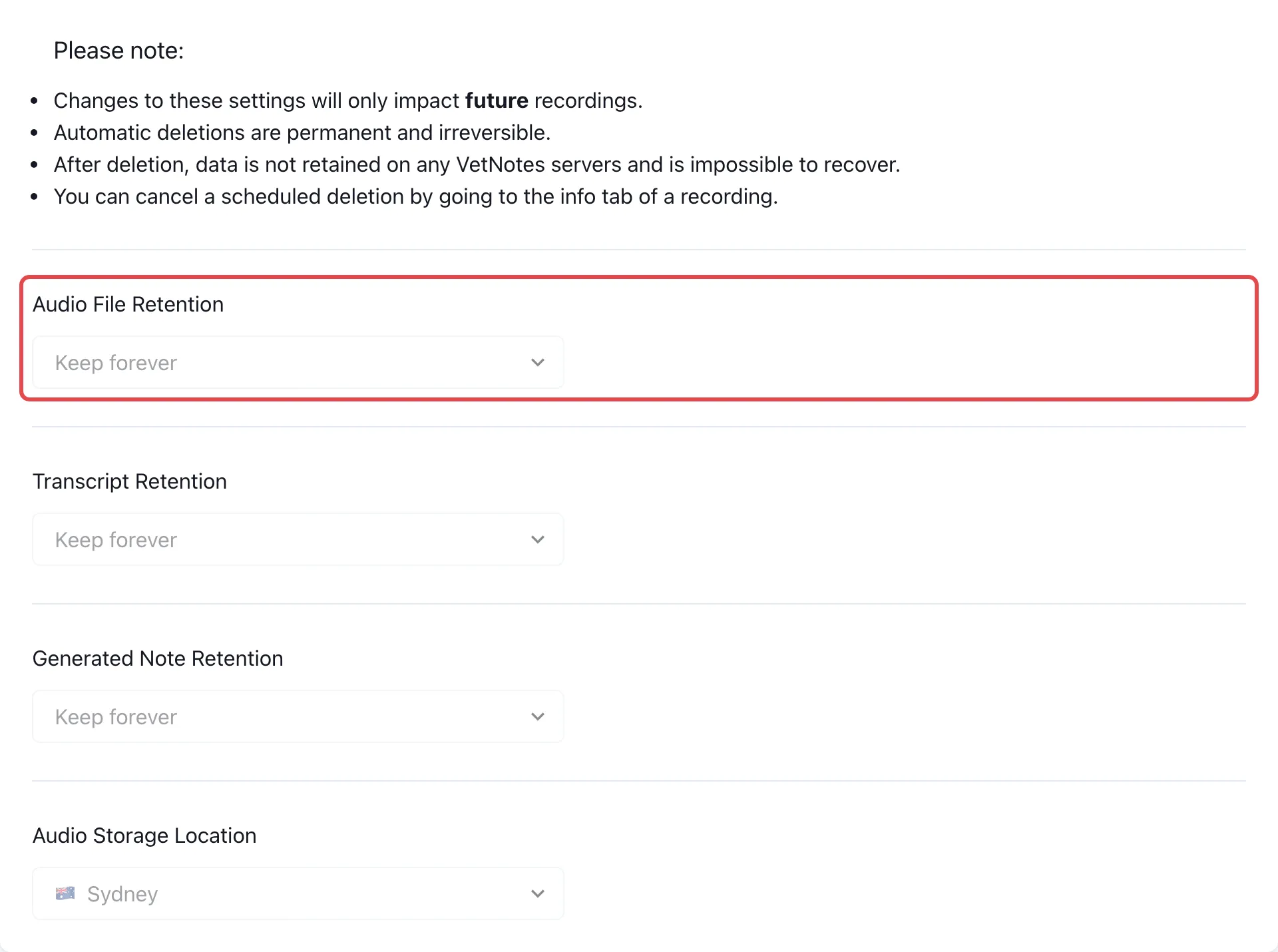
Everything is kept forever until you change it. A new setting only applies to recordings you make from then on. Older recordings keep the setting they had when you recorded them.
Delete old audio now
Section titled “Delete old audio now”- Go to Settings → Delete audio.
- Pick a date. All your audio recorded before that date will be deleted.
- Click Delete Audio Files, then Confirm - Delete.
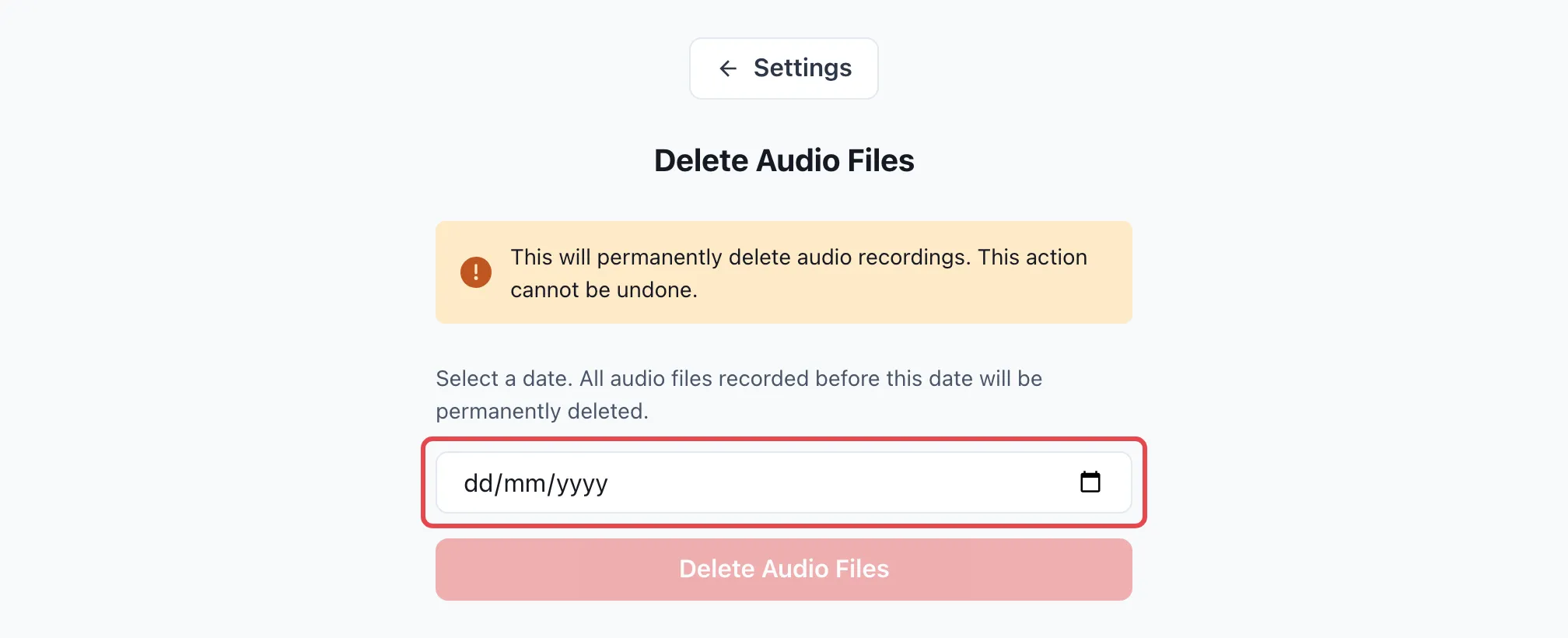
This only deletes your own audio. Your transcripts and notes stay.