
Using Snippets in VetNotes
- Snippets can be inserted AFTER VetNotes has generated any notes.
- For example, treatment plans, advice, recommendations, etc.
- VetNotes will NOT edit or change your snippet, it is inserted as is.
Create a Snippet
Section titled “Create a Snippet”- Click Account → Snippets in the top menu
- Click Add
Use a Snippet
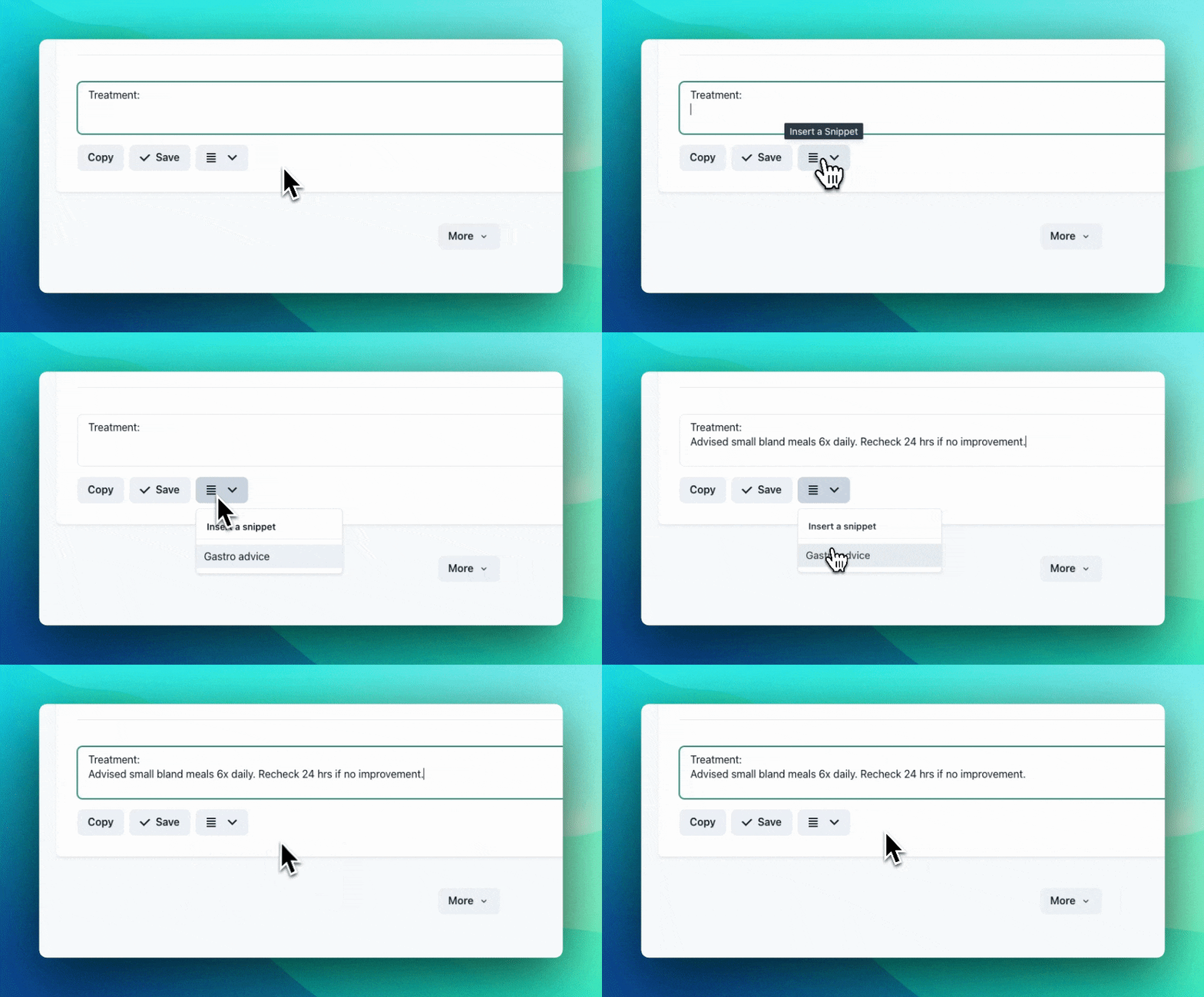
Section titled “Use a Snippet”- Click the pencil (edit) button on any VetNotes note.
- Click the lines icon (Insert a Snippet), to the right of the save and export buttons.
- Select a snippet.
- The snippet will be inserted into the textbox where your cursor is.