
Cloning Custom Templates
Cloning lets you duplicate any template — including ones built by the VetNotes team — and customise it to fit your needs.
Step 1 - Go to Templates
Section titled “Step 1 - Go to Templates”Log in to your VetNotes account and click the Templates tab at the top of your dashboard.
Step 2 - Select a Template
Section titled “Step 2 - Select a Template”Choose the template you want to clone. This can be one of your own custom templates, or any template created by the VetNotes team.
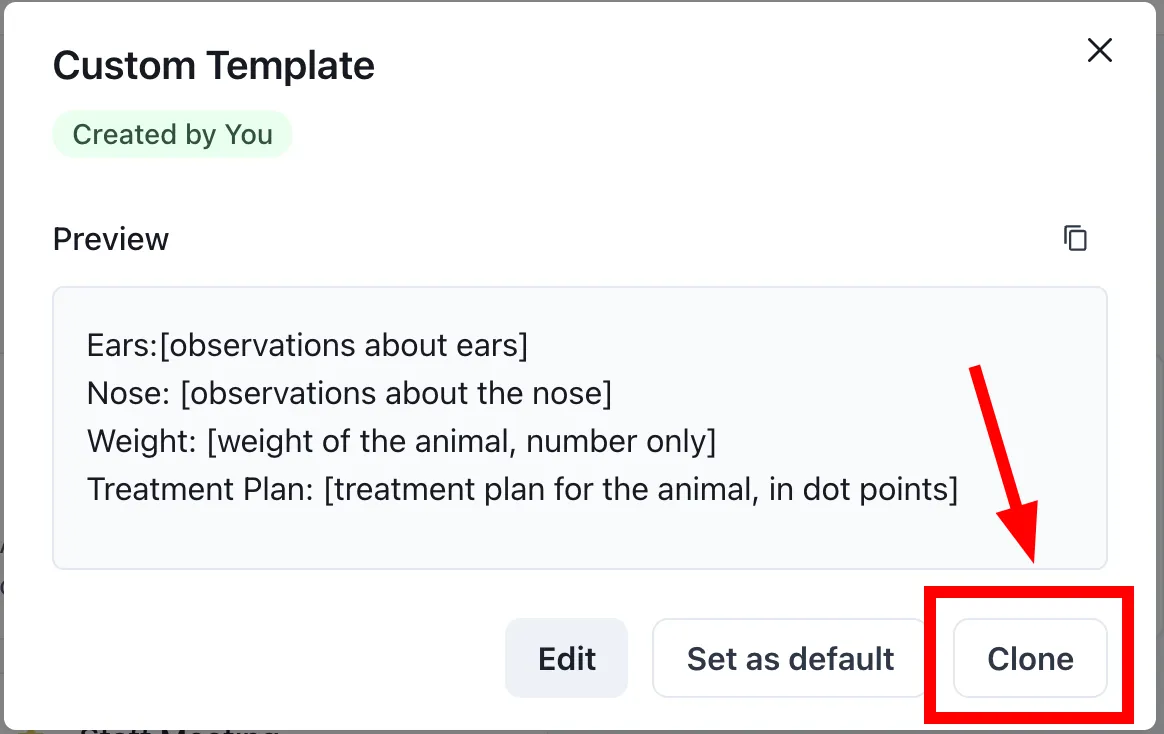
Step 3 - Clone
Section titled “Step 3 - Clone”Click the Clone button. You will be taken to the template builder with a copy of the template ready to edit.
Step 4 - Edit the Template
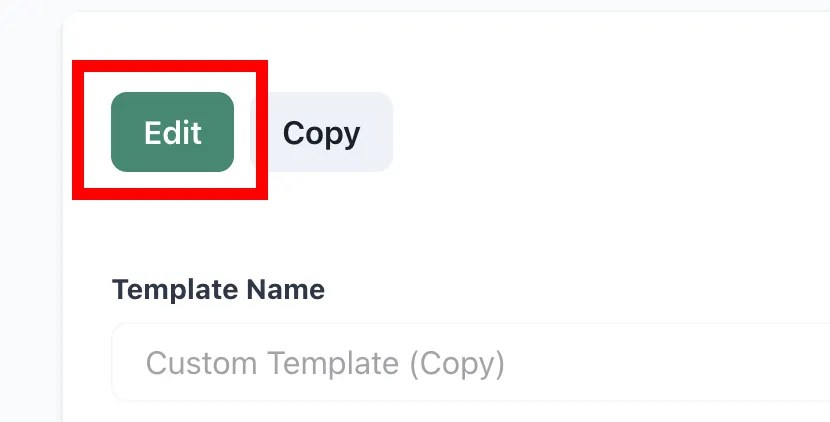
Section titled “Step 4 - Edit the Template”Click the Edit button in the builder to start customising.
You can adjust:
- Template name
- Note type
- Overall instructions
- Template
- Template version
For more details on building a template, check out the Quickstart page.
Step 5 - Save
Section titled “Step 5 - Save”Once you are happy with your changes, click Save. The cloned template will appear in your Templates section, ready to use.